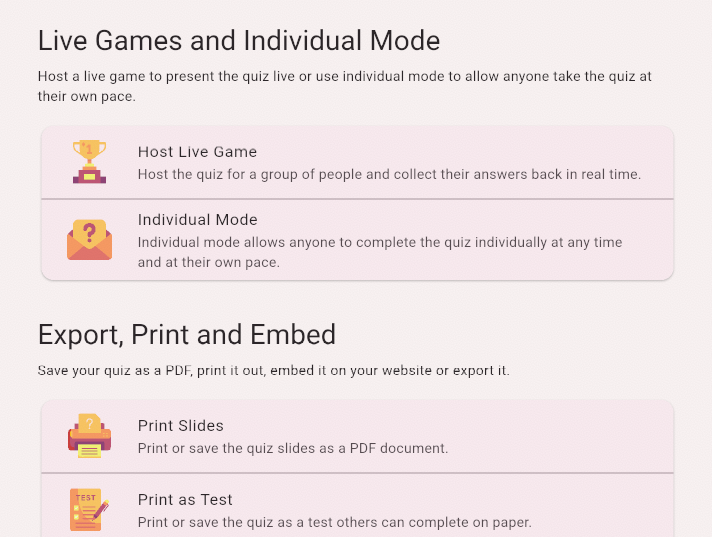
Share Quizzes and Track Results
Share a link to your quiz, let participants take the quiz at their own pace and track their progress with comprehensive reports.
Share Your Quiz
Share your quiz with participants in just a few clicks. You have full control over who can access your quiz and what information you collect.
- Click the Host & Share button to get your quiz link.
- Choose Individual Mode and create a unique link.
- If you want to change the default settings, click the Configure button.
- Choose whether to require participant information (name and/or email).
- Share the link with your participants - just share the link by e-mail, instant messaging or other means.
You can create multiple individual mode links for the same quiz and share them with different groups. Each link will have its own reports. You can even set the link to unlock or lock at a certain time to impose a deadline for answers.
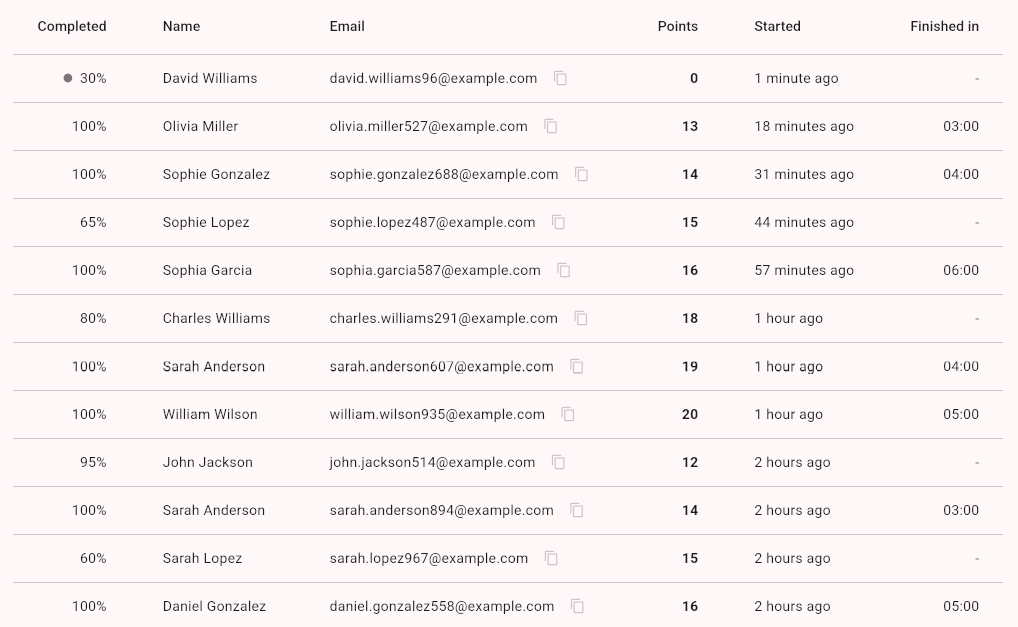
Access Quiz Reports
Get detailed insights into how your participants perform and engage with your quizzes.
- Open the reports screen and choose the correct link.
- Choose the Quiz tab to see the statistics for each of the quiz questions. Click on the row to see details.
- Choose the Participants tab to see the participants. You can order participants by start date or points achieved in the quiz. Click on the row to see details.
- Choose the Leaderboard tab to see the leaderboard for the quiz. This is the same leaderboard that is shown when participants finish the quiz.
- Reports can also be exported to Excel. Click the Export to Excel button to download the report.